> ## Documentation Index
> Fetch the complete documentation index at: https://axiom-mano-sample-app.mintlify.site/llms.txt
> Use this file to discover all available pages before exploring further.
# Log stream
> This section explains how to create log stream dashboard elements and add them to your dashboard.
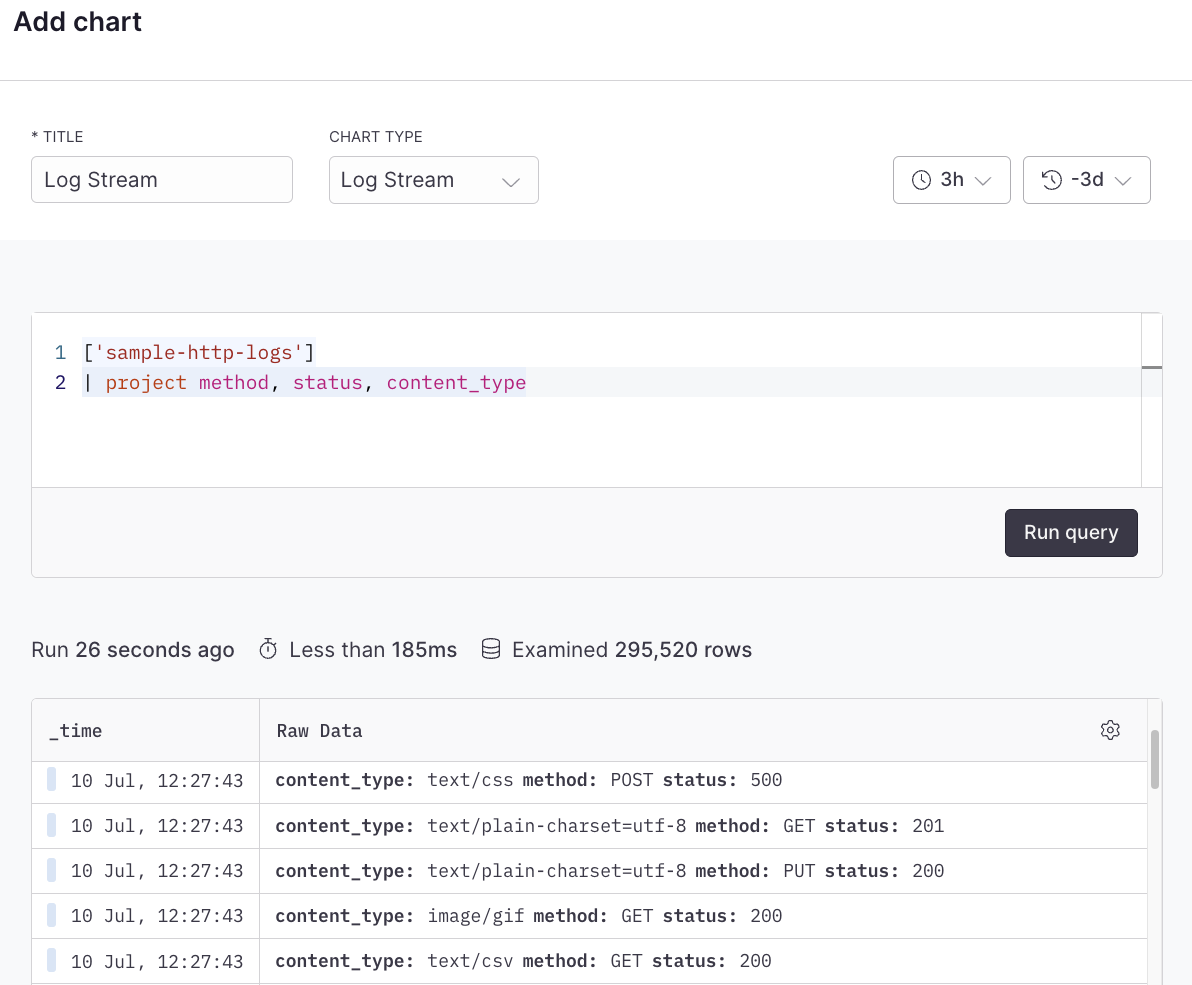
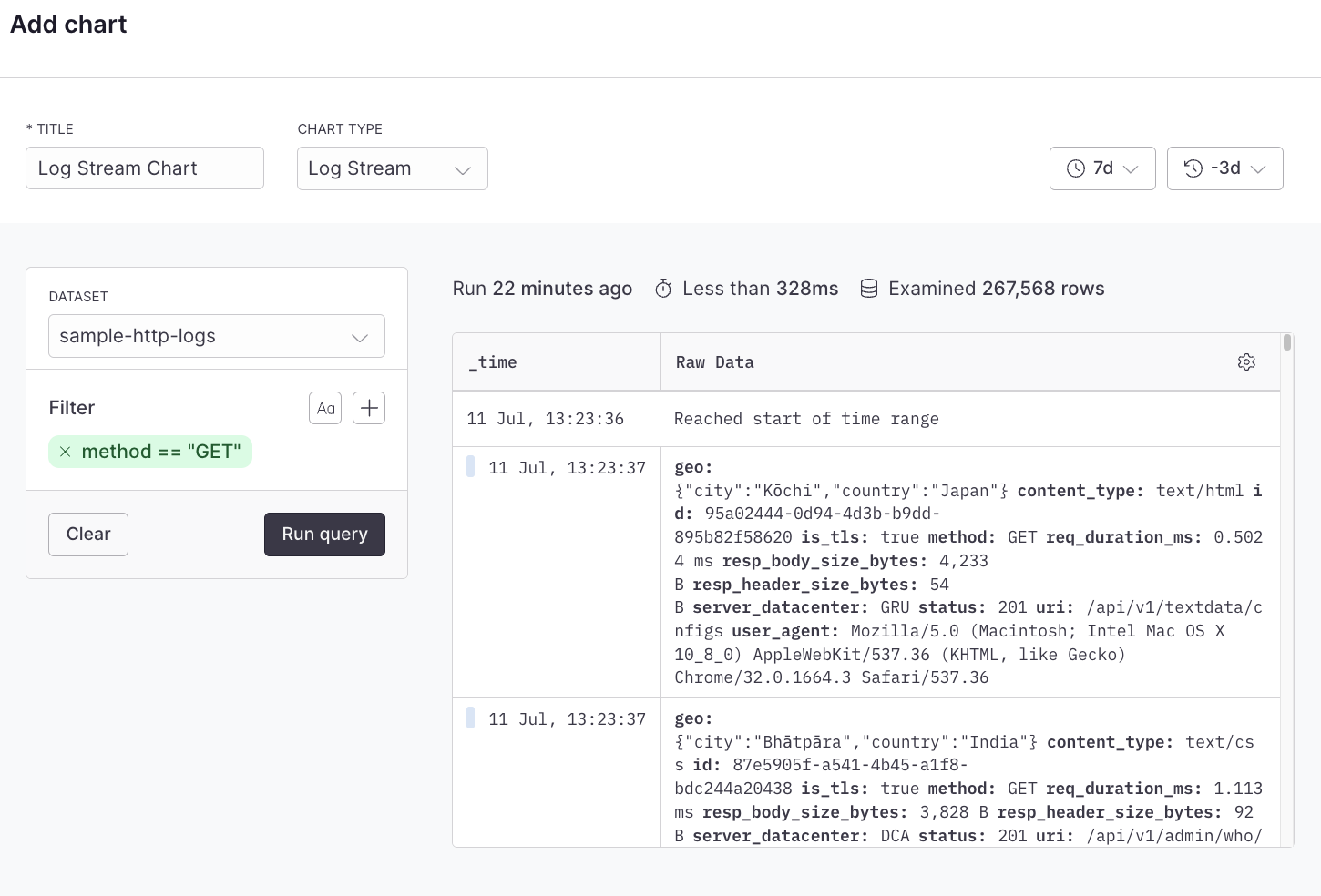
The log stream dashboard element displays your logs as they come in real-time. Each log appears as a separate line with various details. The benefit of a log stream is that it provides immediate visibility into your system’s operations. When you’re debugging an issue or trying to understand an ongoing event, the log stream allows you to see exactly what’s happening as it occurs.
## Example with Simple Query Builder
 ## Example with Advanced Query Language
```kusto
['sample-http-logs']
| project method, status, content_type
```
## Example with Advanced Query Language
```kusto
['sample-http-logs']
| project method, status, content_type
```