

Prerequisites
- Sign up and log in to Axiom Account
- Ingest data into your dataset or you can run queries on Play Sandbox
Overview of APL
Every query, starts with a dataset embedded in square brackets, with the starting expression being a tabular operator statement. The query’s tabular expression statements produce the results of the query. Before you can start writing tabular operators or any function, the pipe (|) delimiter starts the query statements as they flow from one function to another.
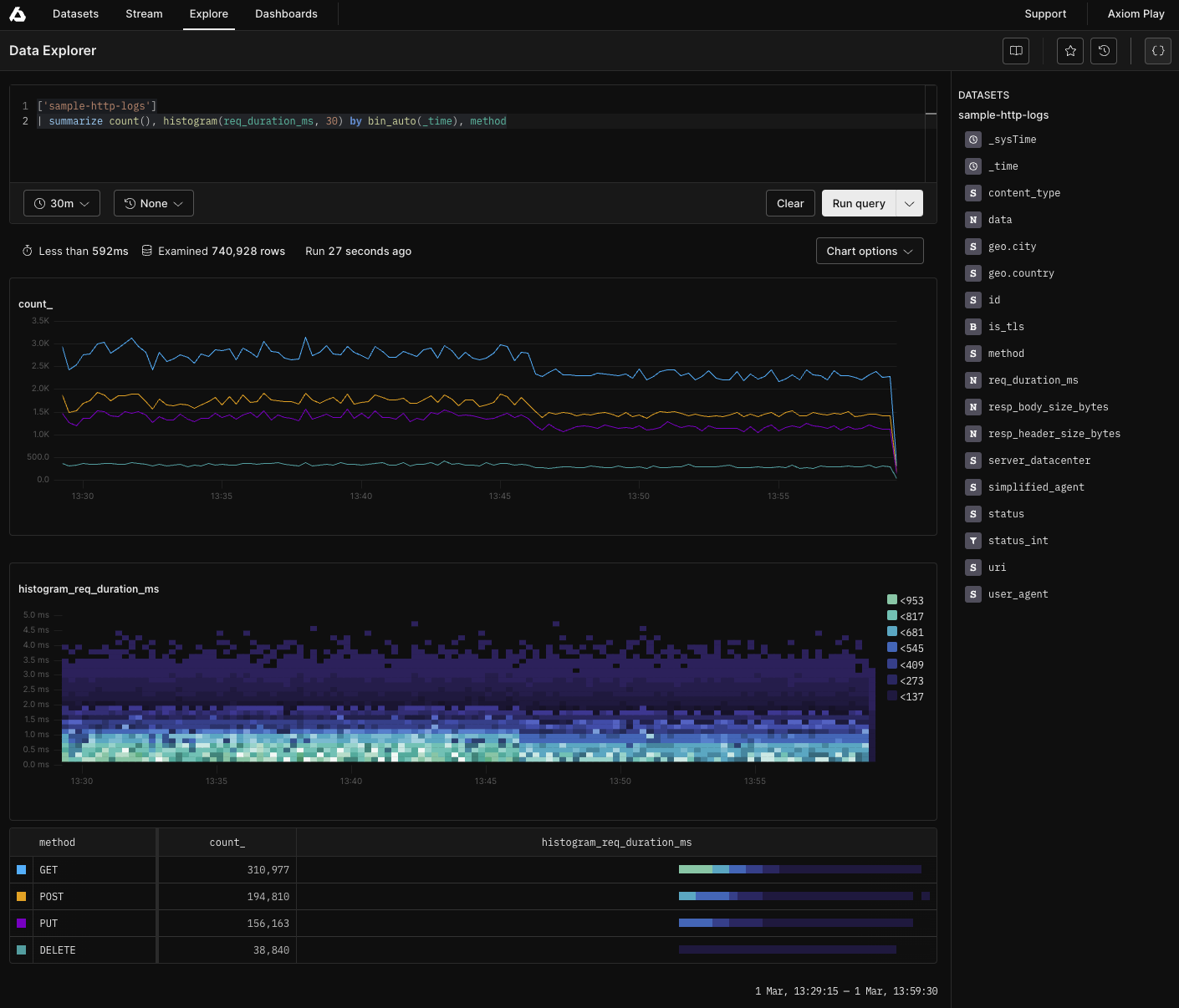
Commonly used Operators
To run queries on each function or operator in this tutorial, click the Run in Playground button. summarize: Produces a table that aggregates the content of the dataset. The following query returns the count of events by timeTop 10 GitHub push events by maximum push id
Distinct City count by server datacenter
- A row for every combination of by values
- Each column named in by
- A column for each expression
Scalar Functions
parse_json()
The following query extracts the JSON elements from an array:replace_string(): Replaces all string matches with another string.
split(): Splits a given string according to a given delimiter and returns a string array.
strcat_delim(): Concatenates a string array into a string with a given delimiter.
indexof(): Reports the zero-based index of the first occurrence of a specified string within the input string.
Regex Examples
Finding logs from a specific City
Identifying logs from a specific user agent
Finding logs with response body size in a certain range
Finding logs with user agents containing Windows NT
Finding logs with specific response header size
Finding logs with specific request duration
Finding logs where TLS is enabled and method is POST
Array functions
array_concat(): Concatenates a number of dynamic arrays to a single array.
array_sum(): Calculates the sum of elements in a dynamic array.
Conversion functions
todatetime(): Converts input to datetime scalar.
dynamic_to_json(): Converts a scalar value of type dynamic to a canonical string representation.
String Operators
We support various query string, logical and numerical operators. In the query below, we use the contains operator, to find the strings that contain the string -bot and [bot]:Hash Functions
- hash_md5(): Returns an MD5 hash value for the input value.
- hash_sha256(): Returns a sha256 hash value for the input value.
- hash_sha1(): Returns a sha1 hash value for the input value.
List all unique groups
Count of all events per service
Change the time clause
Rounding functions
- floor(): Calculates the largest integer less than, or equal to, the specified numeric expression.
- ceiling(): Calculates the smallest integer greater than, or equal to, the specified numeric expression.
- bin(): Rounds values down to an integer multiple of a given bin size.